
Payments
Ways to accept payments.
Card terminals, online payments and fast settlement, all powered by Teya, all managed through one account, with one person you can call.


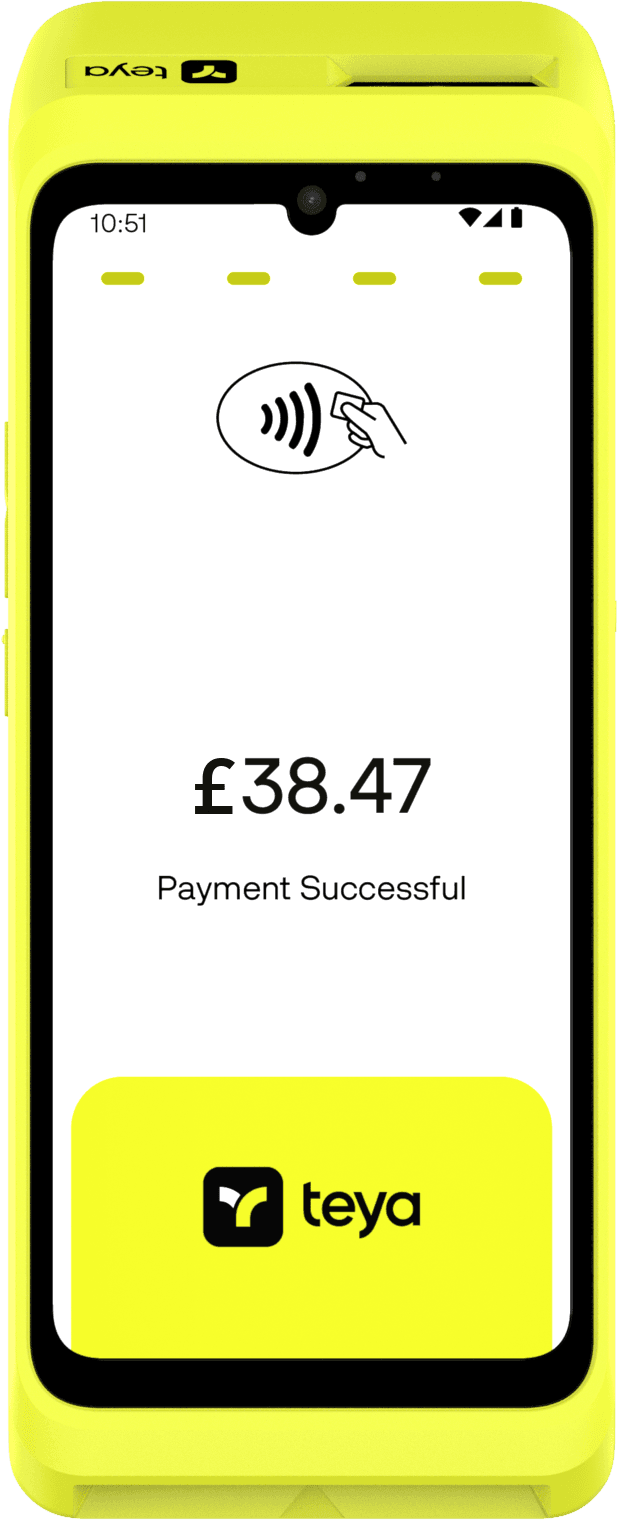
Full-featured countertop terminal
Two terminals and a phone-based option. Same rates, same dashboard, same support. Built-in printer, large touchscreen, dual connectivity. The machine most businesses choose.
Already run an ePOS system, like EPOS Now or Loyverse? Teya connects directly to a growing list of partners, so you are not forced to replace software you already use. If yours is not listed, your provider may still be able to set up the connection.
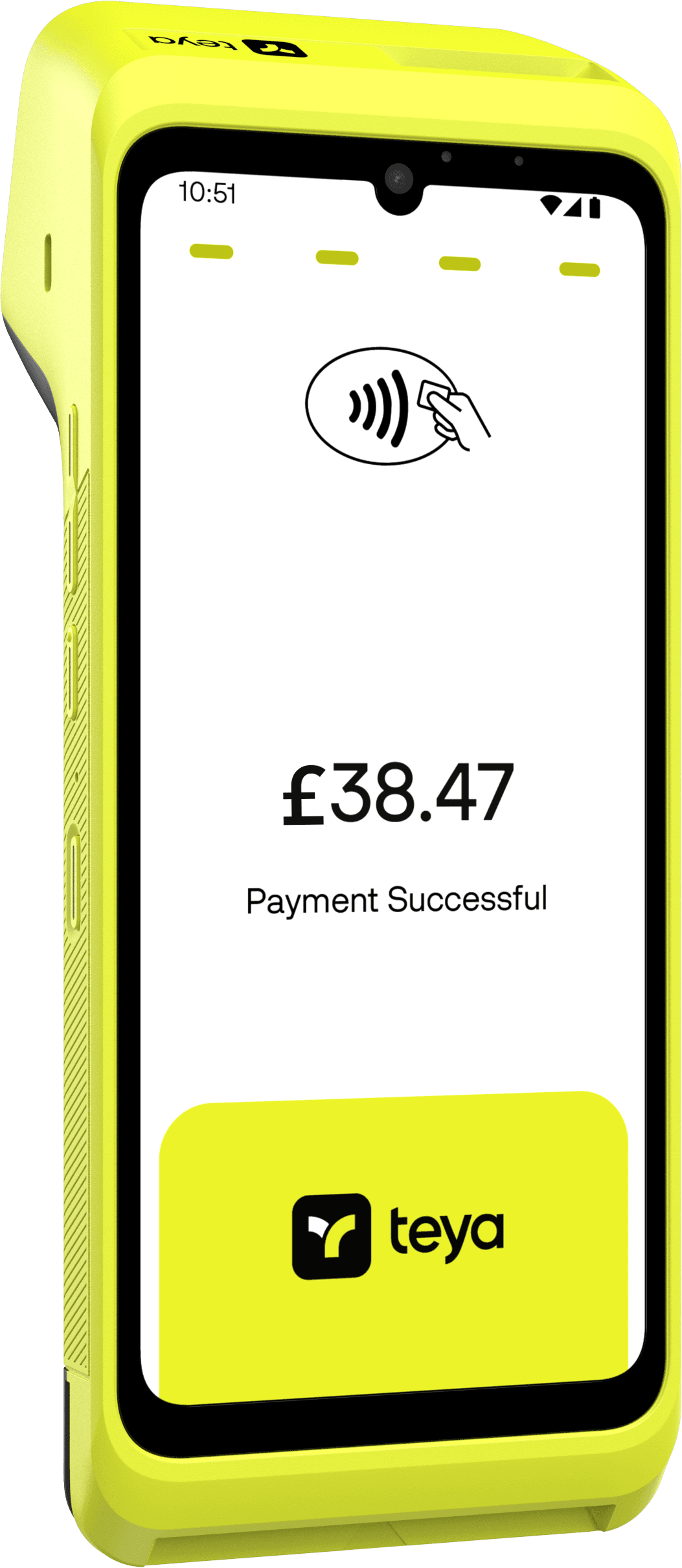
- Colour LCD touchscreen
- 6.7"
- Continuous use, one charge
- Over 12 hrs
- Built-in thermal receipt printer
- 58 mm
Compact and portable
Teya Lite is built for movement. At 211 g and 100.18 x 86.45 x 21.57 mm, it is less than half the weight of Teya Pro, small enough to carry in an apron pocket or a bag.
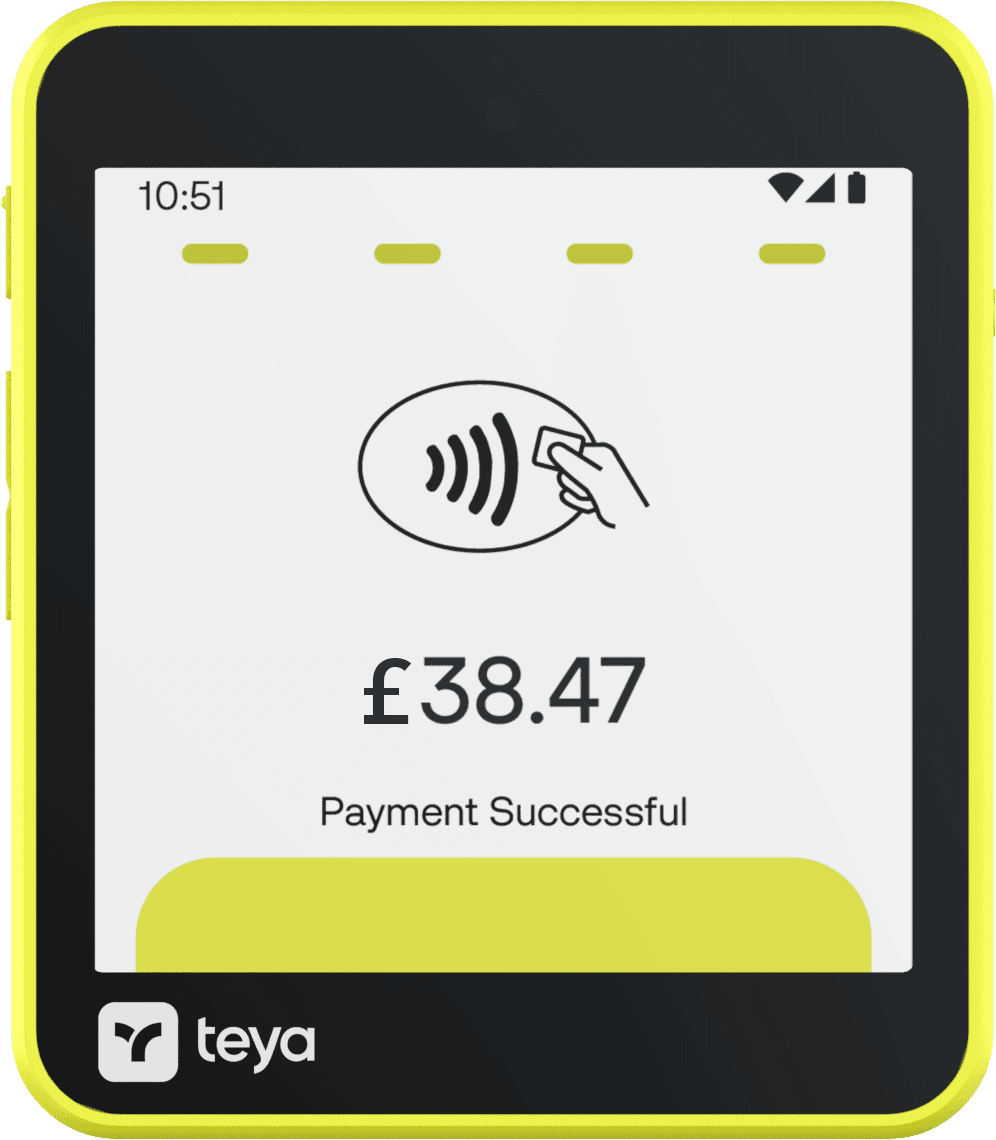
- Less than half Teya Pro
- 211 g
- Colour IPS touchscreen
- 4"
- Thin
- 21.57 mm
No hardware needed
Accept contactless payments directly on your iPhone. No terminal, no dongle, no monthly cost.
- Contactless payments on iPhone
- No additional hardware
- No monthly fee
- Same settlement speed
- Works alongside a terminal

Take payments over the phone
Key in card details manually for phone orders, mail orders or invoice payments. Available on the Teya Pro for eligible businesses.
- Phone and mail order payments
- Secure manual card entry
- Invoice collection
- Deposit and advance payments
- Recurring payment collection
MOTO is subject to eligibility review. Limited companies with 6 months of MOTO transaction history only. A MOTO surcharge of +1.0% applies on top of your existing blended rate for standard MCCs. Hotels (MCC 7011) carry a +1.5% surcharge.

Settlement options
Funds arrive the next working day, free Monday to Friday as standard. Weekends and bank holidays are available at additional cost.

- Free Monday to Friday as standard
- Next day
Pay by Link
Send a payment link by text, email or WhatsApp. The customer pays on their phone without downloading anything.
Integrate card payments into your website or online shop, including a direct Shopify or WooCommerce plugin if that is what you already use.
- Shopify and WooCommerce plugins
- Hosted checkout page
- PCI-compliant by default
- Major card schemes supported

Real-time dashboard
See every transaction as it happens. Revenue, refunds and settlement, all in one place.

Business account
A free business account with Teya, with its own IBAN, that your settlements land in directly.
Teya handles PCI-DSS compliance. No annual fee, no self-assessment questionnaire.

Pro or Lite
Which one?
| Specification | Teya Pro | Teya Lite |
|---|---|---|
| Weight | 456 g | 211 g |
| Screen | 6.7" colour LCD | 4" colour IPS |
| Receipts | Built-in thermal printer (58 mm roll) | NFC-enabled digital receipts (no built-in printer) |
| Barcode scanner | Bottom-mounted, 2 MP fixed focus with red aimer | None |
| Connectivity | Wi-Fi, Bluetooth 5.0, 4G LTE, eSIM + SIM slot | Wi-Fi, Bluetooth 5.0, 4G LTE, eSIM + SIM/SAM slots |
Scanning stock? Teya Pro carries a barcode scanner, Teya Lite does not.
Next step
Ready to switch?
Use the free rate calculator to see what you would pay, or get in touch and we will walk you through everything.
